
“My goal is to eventually upload 30,000 +/- items.”
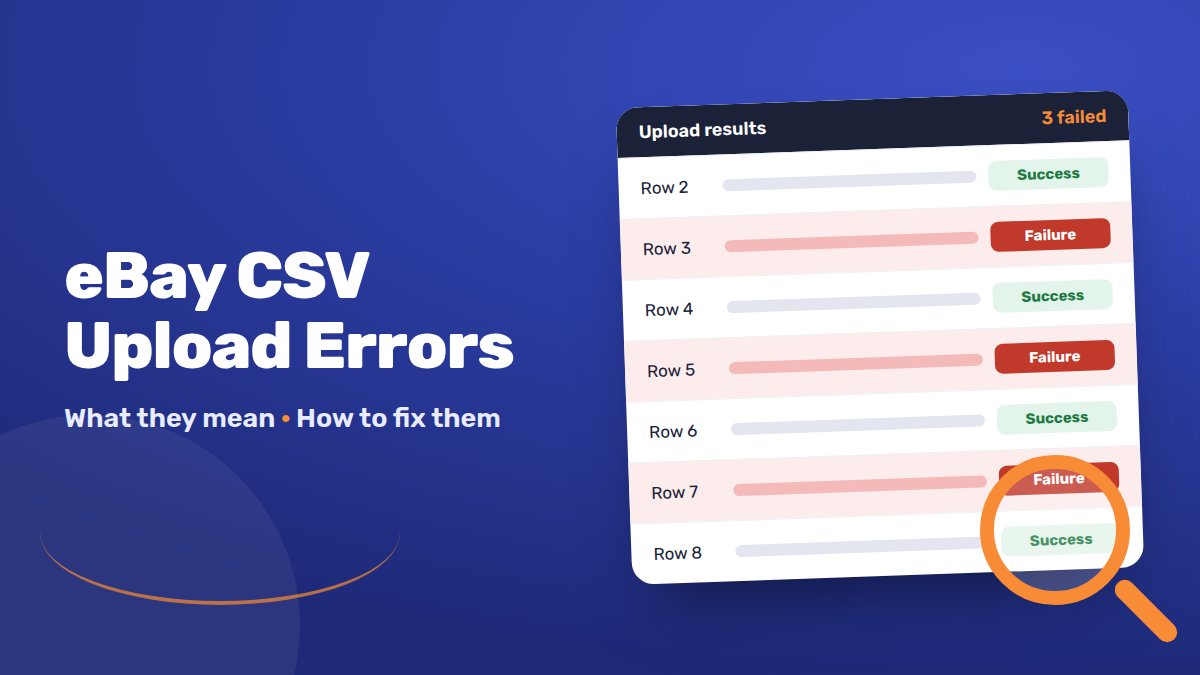
Then the results file comes back full of errors. Many sellers get stuck right here.
The good news: most CSV errors have a handful of causes. Once you know them, you can fix a whole file in minutes.
This guide explains the most common eBay CSV upload errors. You’ll learn what each one means, how to fix it, and how to stop most errors before you upload.
eBay File Exchange was replaced by Seller Hub Reports in 2021. After each upload, download the results file. Find the failed rows and read the error message. Most errors come from missing item specifics, values in the wrong format, old category IDs or broken picture links. Fix those rows and upload only them again.
How to read your upload results file
eBay retired File Exchange in June 2021. Its job moved to Seller Hub → Reports. Templates made in File Exchange didn’t carry over, so you need new templates.
After you upload a file, eBay processes it. eBay says this usually takes less than 15 minutes. Very large files can take longer.
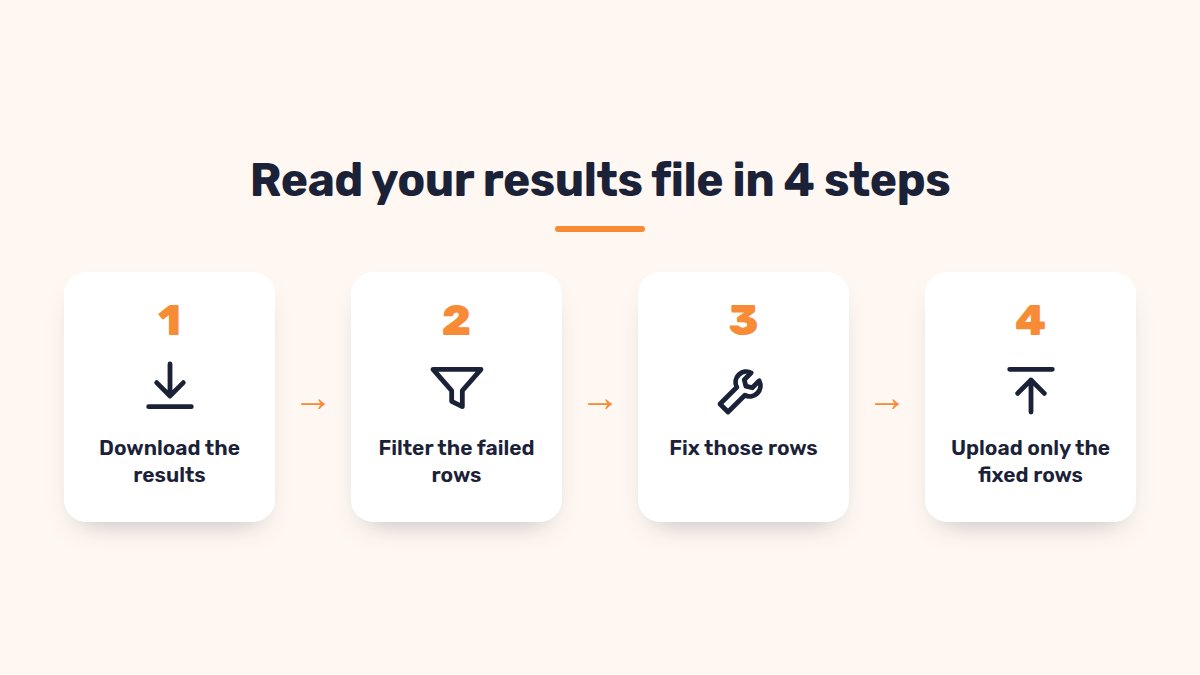
Then eBay creates a results file of every action it took. Here’s how to use it:
- Go to Seller Hub → Reports → Upload.
- Find your upload in the list and download the results.
- Open it and filter the status column for failures.
- Read the error code and message on each failed row.
- Fix those rows in your original file.
- Upload only the fixed rows again.
The 10 most common eBay CSV errors and how to fix them
Error messages are short and often confusing. Here’s what the common ones really mean.
| What the results file says | What it means | How to fix it |
|---|---|---|
| 21919303: the item specific (for example Brand or MPN) is missing | The category needs a value you left empty | Fill in the item specific. Use “Does not apply” only where eBay allows it |
| 37: input data for a field is invalid or missing | A value is in the wrong format, spelling or case | Check the exact allowed value, for example “FixedPrice”, not “Fixed price” |
| 87: the category selected is not a leaf category | Your category ID isn’t the deepest level | Use the most specific category ID from the template’s category tab |
| 21915469: at least one valid postage service must be specified | No postage was found for the listing | Check your shipping policy name matches eBay exactly, including capitals |
| 21919067: duplicate listing | An identical item is already live from you | End the duplicate, or combine items into one listing with variations |
| Picture URL not understood or invalid | eBay can’t load your photo link | Use a public https link ending in .jpg or .png, with no spaces |
| Condition ID not valid | The number doesn’t fit that category | Use a Condition ID listed for that category in your template |
| Title too long | Titles over 80 characters fail | Shorten the title to 80 characters or fewer |
| Return or payment options with policies | You mixed old columns with business policy names | Use policy names only, and delete the old return and postage columns |
| Variation errors | Variation rows are in the wrong format | See the variations section below |
If an error isn’t in this table, search the code in the eBay Community. Paste the exact message, too.
Item specifics and category errors after eBay changes a category
eBay changes its categories and item specifics from time to time. When it does, old files can start failing.
Signs this is your problem:
- A file that worked last month now fails.
- Errors say a new item specific is missing.
- Listings moved to a new category on their own.
One seller described it like this:
“The product type attribute was changed or added to these articles, but all other attributes were deleted.”
How to fix it:
- Download a fresh template for the category from Seller Hub Reports.
- Check the category ID. eBay lists current IDs inside each category template.
- Look at the colour-coded cells. Red means a required item specific is missing. Yellow means it will be required soon. Blue means recommended.
- Copy your data into the new template’s columns.
- Upload 1–2 rows first to test.
Picture URL, variation and character problems
These three cause many failed rows.
Picture links
- Links must start with https:// and end in a file type such as .jpg or .png.
- Replace spaces in links with %20, or the photo won’t show.
- Separate several photos with a pipe:
link1.jpg|link2.jpg. - Photos must be public. Test each link in a private browser window.
- eBay recommends at least 500 pixels on the longest side. 1,200 pixels is best for zoom.
Variations (sizes, colours)
- The first row is the parent. Rows below it are the variations.
- In the parent row, list all options:
Colour=Black;Blue|Size=S;M. - In each variation row, give one combination:
Colour=Black|Size=S. - No spaces between options and values, or the upload fails.
- Each variation row needs its own price, quantity and product ID, such as an EAN or “Does not apply”.
- You can’t add variations to a listing that was created without them. End it and create a new variation listing instead.
Characters and Excel
- Excel can change special characters such as £, é or ü. Save as CSV UTF-8.
- Excel drops leading zeros and turns long numbers into scientific notation. Format EAN and SKU columns as Text before pasting.
- An Excel cell holds up to 32,765 characters. Long HTML descriptions can be cut off.
- Remove stray spaces and line breaks inside cells. They cause misaligned rows.
A pre-upload checklist for clean files
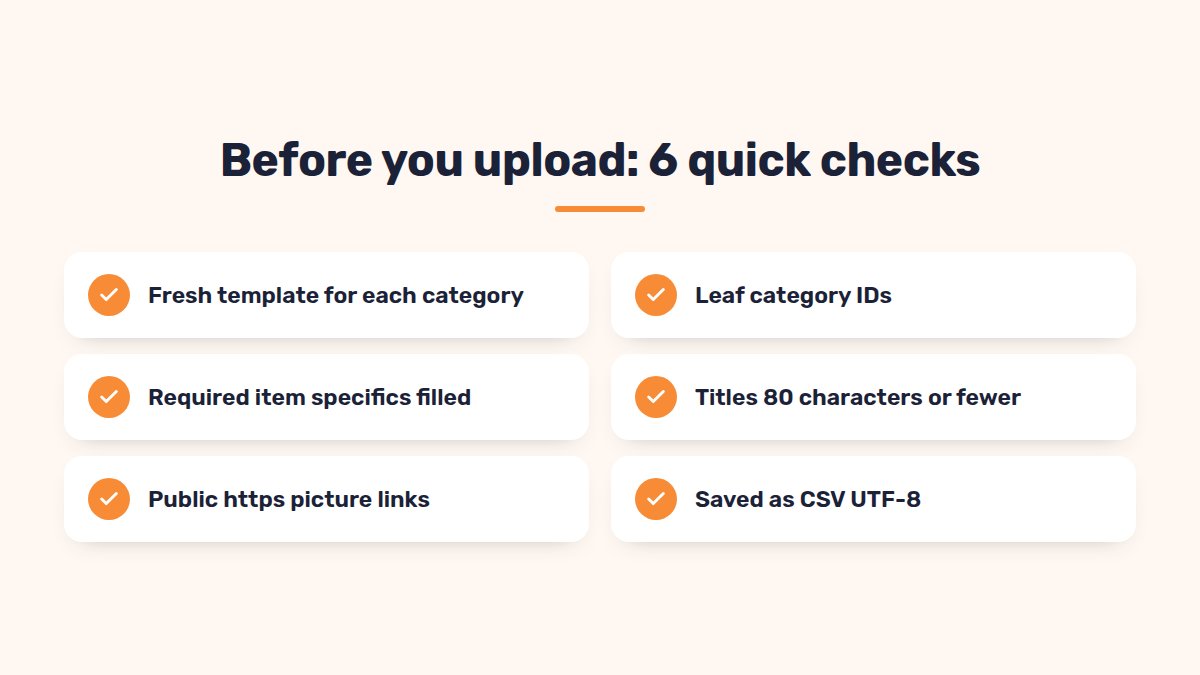
Run through this before every upload:
- Fresh template for each category, downloaded this month.
- Category IDs are leaf categories and still valid.
- Required item specifics are filled, with no red cells left.
- Titles are 80 characters or fewer.
- Condition IDs fit the category.
- Policy names match your Business policies page exactly.
- No old postage or return columns next to policy names.
- Picture links are public https links with no spaces.
- Variation rows follow the parent and child format, with no spaces.
- Saved as CSV UTF-8, with EANs formatted as text.
- Test upload of 1–2 rows before the full file.
When the CSV route keeps failing: other options
Seller Hub Reports works well, but big catalogues stretch it. Files can’t be larger than eBay’s limits. eBay quoted 14.9 MB and 150,000 lines per file in 2021. Each error also means another round of fixes and uploads.
Your options:
- Split big files by category. Errors are easier to find.
- eBay’s Merchant Integration Platform (MIP) suits feed-based, SKU-led stores. eBay says it can upload over 50,000 SKUs in under 30 minutes. It takes more setup.
- A listing tool with its own import.
SellSetGo has its own CSV format for creating and updating listings. It handles variations and k-types for car parts, and can replace images in bulk. You see the progress as it runs, then download a report of any rows that need fixing.
FAQ
Is eBay File Exchange still available?+
No. eBay retired File Exchange in June 2021. Uploads now happen in Seller Hub → Reports. Old File Exchange templates don’t work there.
Why did my CSV upload work last month but fail now?+
eBay may have changed the category or its required item specifics. Download a fresh template and move your data into it.
How long does an eBay CSV upload take?+
eBay says most uploads finish in under 15 minutes. Very large files can take longer.
Can I fix only the failed rows?+
Yes. Correct the failed rows and upload just those. Rows that worked are already live.
Do I need item specifics in my CSV?+
Yes, for required ones. Many categories reject listings without them. Recommended ones help your items show up in search filters too.
Conclusion
Most eBay CSV errors come from a few causes. Missing item specifics, wrong values, old categories and broken picture links lead the list.
Read the results file, fix only the failed rows, and test small before you upload big.
Uploading thousands of listings?
SellSetGo imports your listings from a spreadsheet, shows the progress as it runs, and gives you a clear report of any rows to fix.
Start your 15-day free trialBook a free demo