

“Our problem is 6,000+ SKUs with moving inventory daily… not possible for us to hand adjust.”
That’s how one seller described their stock problem. Another put it more simply:
“Sold out items still being available.”
Overselling is more than an awkward email. You cancel the order, the buyer is unhappy, and eBay counts it against you.
This guide covers inventory management for eBay, step by step. You’ll set up SKUs, use eBay’s out-of-stock option, and keep stock in sync across several eBay sites and a Shopify store.
To stop overselling on eBay, give every product one SKU, turn on eBay’s out-of-stock option, and keep one stock count that every channel updates from. If you sell the same item on several eBay sites or on Shopify, use a tool that syncs quantities automatically after each sale.
Why overselling happens on eBay
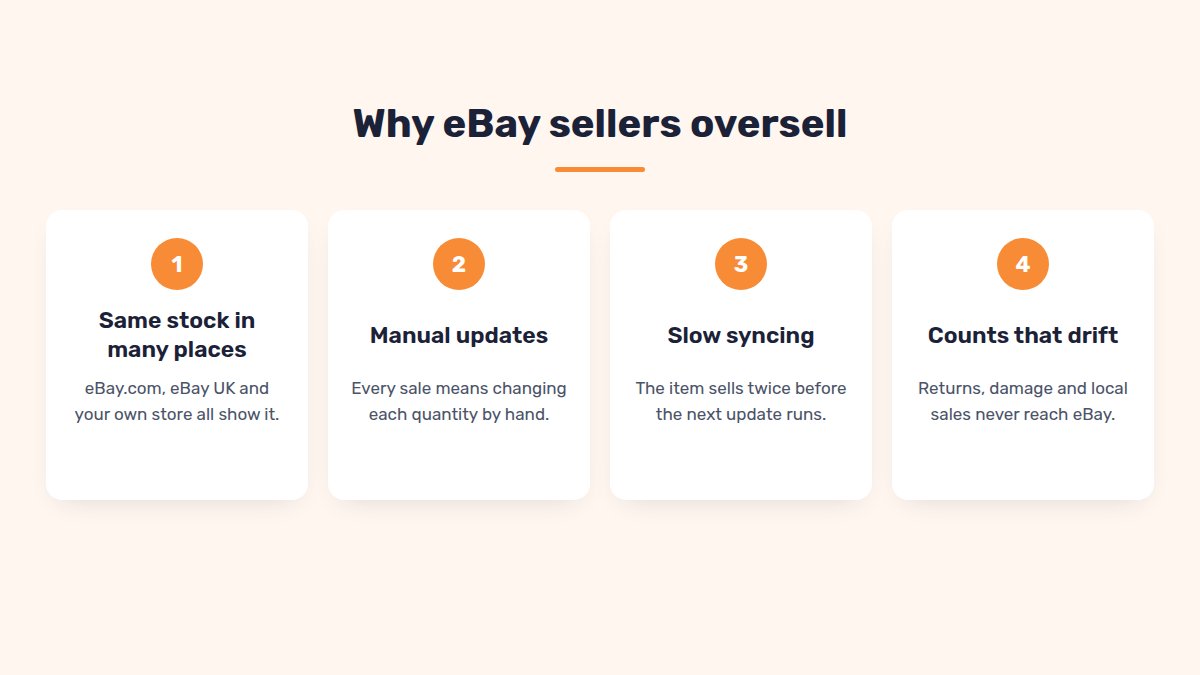
You oversell when a listing shows stock you don’t have anymore. It usually happens in one of four ways:
- The same stock is in many places. One item, listed on eBay.com, eBay UK and your own store.
- Updates are manual. Someone has to change each quantity by hand after a sale.
- Syncing is slow. A tool updates every hour, but your item sells twice in that hour.
- Counts drift. Returns, damaged items and local sales never make it back to eBay.
Why it matters: eBay’s seller standards count an order you cancel because it was out of stock as a transaction defect. You’re allowed up to 2% of transactions with defects. Go over it, and you can face lower search placement, lower selling limits and higher final value fees.
eBay’s own advice is simple: keep your listing quantities in sync with your stock levels.
SKUs: the base of eBay inventory management
A SKU (stock keeping unit) is your own code for one product. eBay calls this field Custom label (SKU). It’s optional, and buyers don’t see it.
Without SKUs, you match items by title. That breaks the moment you edit a title or translate a listing.
Set up SKUs in 4 steps:
- Give every product its own SKU. Give each size or color its own SKU too, so you can track its stock separately.
- Use the same SKU everywhere: eBay.com, other eBay sites, Shopify and your spreadsheet.
- Add it to the Custom label (SKU) field of each listing.
- Never reuse a SKU for a different product.
Use a simple naming pattern:
| Part | Example |
|---|---|
| Product type | TSH (t-shirt) |
| Model or design | LOGO |
| Color | BLK |
| Size | M |
| Full SKU | TSH-LOGO-BLK-M |
Keep SKUs short and readable. Avoid spaces and special characters, so they work in every spreadsheet and tool.
eBay’s out-of-stock option and multi-quantity listings
A multi-quantity listing sells several identical items from one listing. When the quantity hits 0, eBay normally ends it.
The out-of-stock option changes that. Your listing stays active but is hidden from search. It comes back when you add stock. You don’t have to create a new listing.
To turn it on:
- Go to Account → Selling preferences.
- Scroll to Multi-quantity listings.
- Switch on Listings stay active when you’re out of stock.
Two things to know:
- If a listing stays at 0 for 180 days in a row, eBay ends it.
- You may get an insertion fee credit if the quantity stays at 0 for a whole monthly billing period.
The out-of-stock option keeps a listing alive at 0. It doesn’t sync quantities between separate listings or other stores.
Tip: don’t show all your stock. If you have 40 units, showing 5 at a time limits the damage when counts drift. When 1 sells, top it back up to 5.
Selling the same stock on several eBay sites
Many US sellers also list on eBay UK, Canada or Australia. Each of those is a separate listing with its own quantity.
eBay doesn’t link them. Sell your last unit on eBay.com, and your eBay.co.uk listing still shows it in stock.
Here’s how fast that goes wrong:
| eBay.com shows | eBay.co.uk shows | Mugs on your shelf | |
|---|---|---|---|
| Monday morning | 10 | 10 | 10 |
| 8 sell on eBay.com | 2 | 10 | 2 |
| 5 sell on eBay.co.uk | 2 | 5 | −3 (oversold) |
Each listing looked fine on its own. Together, they sold 3 mugs you didn’t have.
You have three options:
| Option | How stock works | Best for |
|---|---|---|
| eBay’s international shipping | One listing, one quantity, shown to buyers abroad (eligible listings only) | Testing other countries |
| Separate listings, manual updates | You change every site after each sale | A handful of items |
| Separate listings + stock sync | A sale on one site updates the others | Hundreds of items on several sites |
When you list on several eBay sites with SellSetGo, it links each copy to your main listing. A sale on any site updates the quantity everywhere. You can also set a maximum quantity to show on eBay, so you never show more than, say, 5 at a time.
eBay and Shopify: keeping stock in sync
Selling on eBay and your own Shopify store doubles the risk. On their own, a sale on Shopify doesn’t change your eBay quantity, and the other way round.
Follow these 4 rules:
- Pick one stock master. Decide where the true count lives: Shopify, a warehouse system or an inventory tool.
- Sync both ways. A sale on eBay must lower Shopify’s count. A sale on Shopify must lower eBay’s.
- Match by SKU. The same product needs the same SKU in both places.
- Check sync speed. If your connector updates every few hours, show a smaller quantity on eBay as a buffer.
Even good sync can lose a race: two channels can sell the last unit seconds apart. That’s another reason to keep a small buffer on fast-selling items.
Once a week, compare your counts. Pick 20 SKUs and check that eBay, Shopify and your shelf agree. If they don’t, find the step that’s missing an update.
Spreadsheet vs software: when to switch
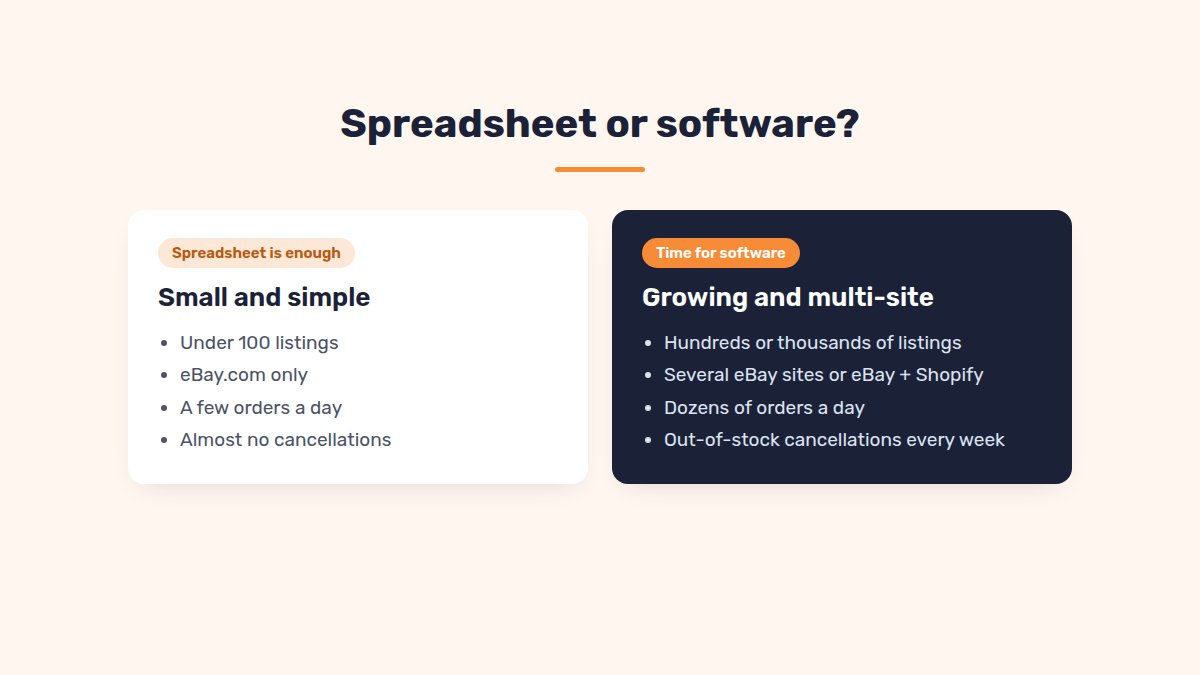
A spreadsheet works well at the start. It stops working once you sell in several places or sell fast.
| A spreadsheet is enough | Time for software | |
|---|---|---|
| Listings | Under 100 | Hundreds or thousands |
| Where you sell | eBay.com only | Several eBay sites, or eBay + Shopify |
| Orders per day | A few | Dozens |
| Who updates stock | You, once a day | Several people, all day |
| Cancellations | Almost never | Every week |
One sign says it all: you cancel an order for being out of stock every week. That means manual updates are costing you.
When you look at software, ask three questions:
- Does it match products by SKU?
- How fast does it update quantities after a sale?
- Does it cover every place you sell, including other eBay sites?
FAQ
Does eBay have its own inventory management?+
eBay has the Custom label (SKU) field, multi-quantity listings and the out-of-stock option. It doesn’t sync stock between separate listings or with other stores.
What happens if I oversell on eBay?+
You’ll usually have to cancel the order. eBay counts a cancellation for being out of stock as a transaction defect on your seller record.
Should I turn on eBay’s out-of-stock option?+
Yes, for multi-quantity listings you restock. The listing stays active but hidden at 0, and it returns when you add stock.
Do I need a SKU for every variation?+
Yes. Each size or color is a separate stock item, so it needs its own SKU.
How often should I check my stock counts?+
Spot-check 20 SKUs every week. Do a full count at least every few months, and after any big sale.
Conclusion
Overselling comes from one thing: stock counts that don’t agree.
Give every product a SKU, turn on the out-of-stock option, and pick one stock master. When you sell on several eBay sites or on Shopify, let software do the updates.
Selling the same stock on several eBay sites?
SellSetGo keeps one stock count across your listings on eBay US, UK, Canada, Australia and more, so a sale on one site updates the others.
Start your 15-day free trialBook a free demo