
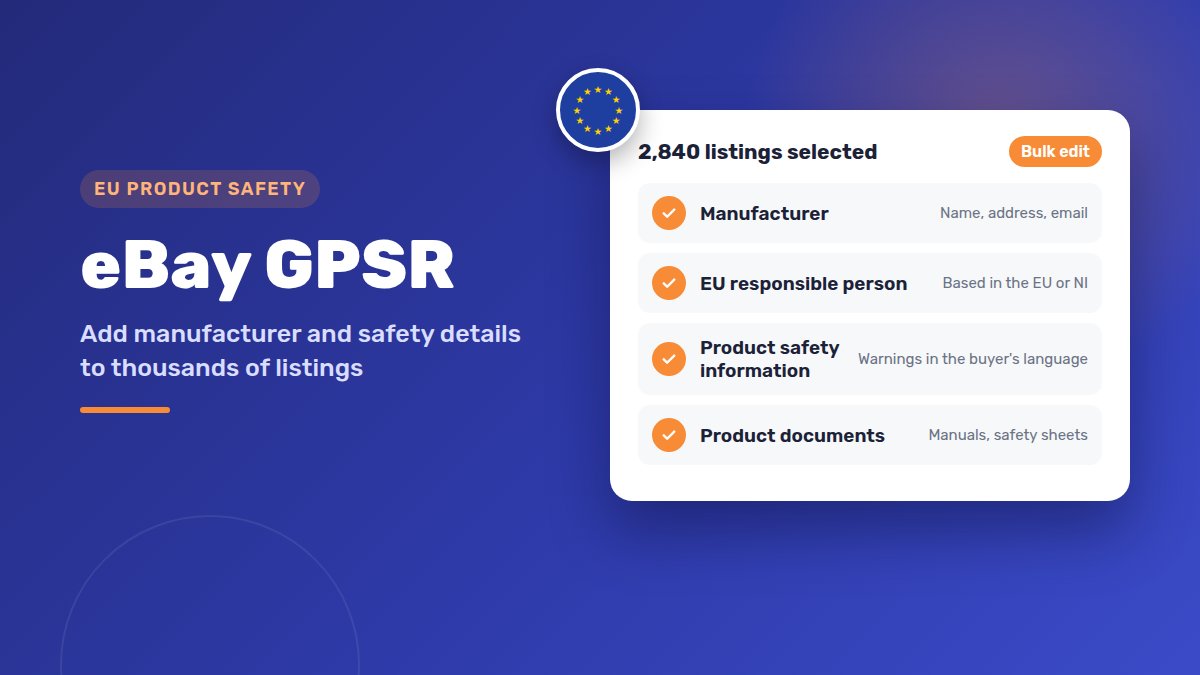
“So I have to check hundreds of listings one by one?”
That’s what one seller asked on the eBay forums about eBay GPSR. Another simply wrote:
“Guess I’ll stop selling to the EU.”
You don’t have to give up EU buyers. Most of the work is the same few details, repeated across many listings. That’s a job for bulk tools, not for editing one listing at a time.
This guide explains what GPSR asks for, which listings need it, and three ways to add the details in bulk.
GPSR is the EU’s product safety law. Business sellers must show the manufacturer’s details on listings EU and Northern Ireland buyers can see. If the manufacturer is outside the EU and NI, you also need an EU or NI responsible person. Add safety information too. Use Seller Hub bulk edit or a Seller Hub Reports CSV to update many listings at once.
What eBay GPSR means for sellers in plain English
GPSR stands for the General Product Safety Regulation. It’s an EU law. It has applied since 13 December 2024.
The idea is simple. If a product is unsafe, EU authorities and buyers must know who made it and who to contact.
So eBay now asks business sellers for a few extra details. They show on the listing for buyers in the EU and Northern Ireland.
Here’s what it means for a UK seller:
- Buyers in Great Britain: no change. eBay says listings shown to UK buyers outside Northern Ireland aren’t affected.
- Buyers in the EU and Northern Ireland: your listings need the GPSR details.
- eBay International Shipping or local listings: both count. If EU buyers can buy it, the rules apply.
If you sell to Europe already, read our guide to selling on eBay Germany, France and Italy from the UK too.
Which listings need GPSR details (and which are exempt)
In general, new and used items both need the details. eBay’s GPSR page also lists exceptions.
| Item | Needs GPSR details? |
|---|---|
| New products sold to EU or NI buyers | Yes |
| Used products sold to EU or NI buyers | Usually yes |
| Products first sold in the EU before 13 December 2024 | May not need them (see below) |
| Antiques, works of art and collectors’ items | No |
| Food, medicines, live animals and plants | No |
| Items sold as “for repair”, clearly marked as such | No |
| Listings only UK (non-NI) buyers can see | No |
About older products: eBay says products already on the EU market before 13 December 2024 may not need the extra details. You must be able to show when they were first sold there. Keep records.
eBay also offers a downloadable spreadsheet of excluded categories on its GPSR page. Check your main categories against it.
Not sure? Add the details anyway. eBay’s own GPSR help says that, to be on the safe side, you can add GPSR details to any listing. That includes older listings. It’s the safest choice for items that sell well in Europe.
The details eBay asks for: manufacturer, responsible person, safety information, documents
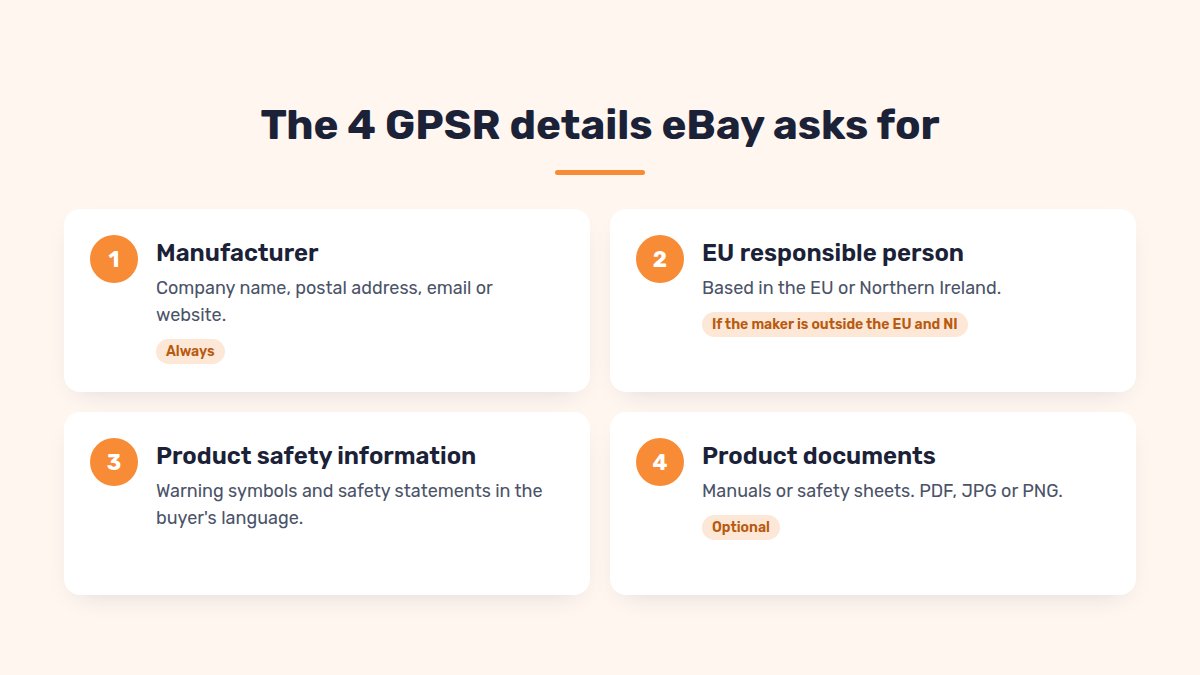
You’ll find the GPSR fields in the listing form under Item disclosures. There are four parts.
1. Manufacturer. The company that made the product. Add its name, postal address and an email address or website. A phone number alone isn’t enough. You’ll usually find these on the product, the box or the manual.
2. EU responsible person. Only needed if the manufacturer is outside the EU and NI. This person or company must be based in the EU or Northern Ireland. It can be:
- an importer that brings the product into the EU,
- the manufacturer’s authorised representative,
- a fulfilment service provider, if none of the above is in the EU or NI.
Ask your supplier first. Many brands already have one. If they don’t, eBay lists paid services that can act as your responsible person.
3. Product safety information. Warnings and safety notes, in the buyer’s language. In the eBay form you can choose warning symbols (pictograms) and up to 8 safety statements. You can add a short extra note of up to 120 characters.
4. Product documents. Optional, but useful: manuals, safety sheets or a declaration of conformity. You can attach up to 10 per listing, as PDF, JPG or PNG, up to 10 MB each.
eBay also asks for clear product identification: brand, model, type and pictures. If you fill your item specifics well, you’ve done this part already. Item specifics are the brand, model and other fields eBay asks for in each category.
CE marking. If the rules for your product require a CE mark, eBay asks you to include it in the listing.
Why updating one listing at a time doesn’t work for big shops
For one listing, the eBay form takes a couple of minutes. The problem is scale.
Say you have 3,000 listings, and each one takes 2 minutes. That’s 100 hours of clicking. And every new listing needs the same details.
Big shops also face these problems:
- Many brands. Each brand has its own manufacturer and responsible person.
- Missing supplier data. Some suppliers take weeks to reply.
- Own-brand and handmade items. You may be the manufacturer yourself.
- Mixed stock. Some items are exempt, others aren’t.
The fix is to group your listings by brand. Products from the same brand often share the same manufacturer and responsible person. Check each product line first, then fill the details in once and apply them to every matching listing.
3 ways to add GPSR details in bulk: Seller Hub, a CSV file, a listing tool
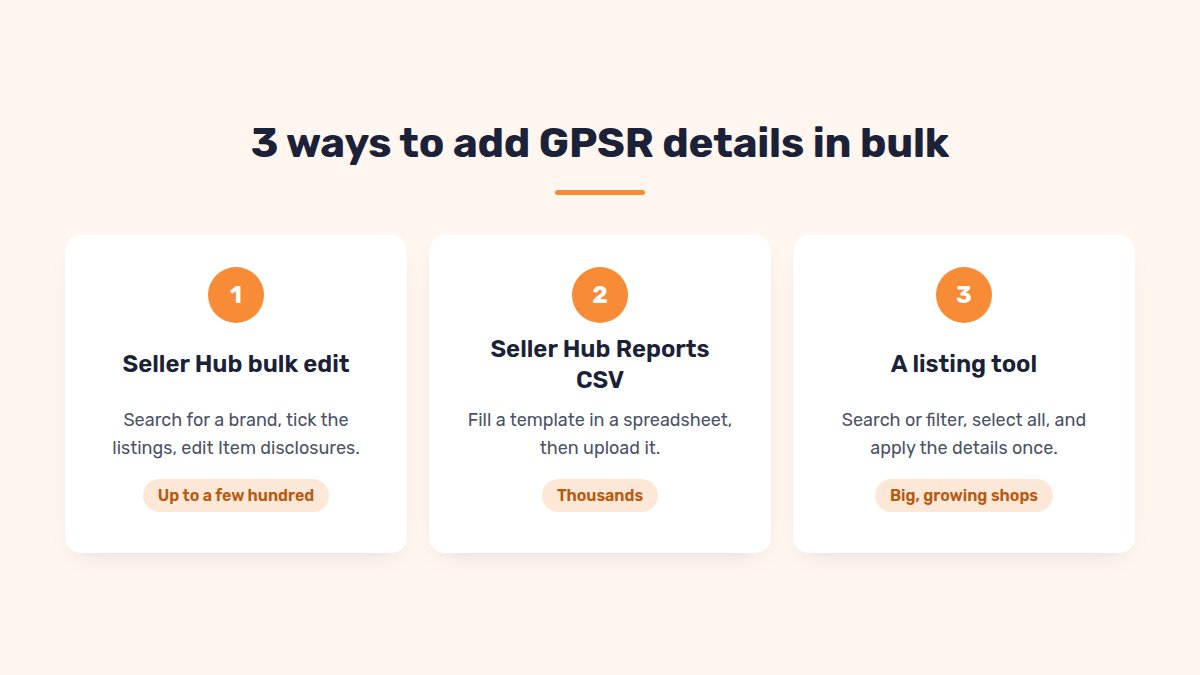
Option 1: Seller Hub bulk edit (good for up to a few hundred listings)
- Go to Seller Hub → Listings → Manage active listings.
- Filter or search for one brand.
- Tick the listings, then choose Edit selected → Bulk edit.
- Choose Item disclosures, then the GPSR field.
- Enter the manufacturer or responsible person, and the safety information.
- Submit the changes.
One catch: product documents can’t be uploaded in bulk here. You add them to each listing separately.
Menu names can differ slightly between eBay sites. The steps are the same.
Option 2: A Seller Hub Reports CSV upload (good for thousands)
Seller Hub Reports replaced eBay’s old File Exchange. You download a template, fill it in a spreadsheet, then upload it.
- Go to Seller Hub → Reports → Uploads → Get template.
- Set the source to Listings and pick the edit template. eBay’s guide uses “Edit price and quantity”.
- Add the GPSR columns: manufacturer, responsible person, safety pictograms and statements.
- Delete every row you don’t want to change.
- Upload the file under Reports → Uploads → Upload template.
- Download the results file and fix any failed rows.
Watch out for these mistakes:
- Empty cells delete data. A blank GPSR cell can wipe details already on the listing, including pictograms.
- Item numbers must stay in full. Excel can turn them into 2.56633E+11, and the row fails. Format the column as Number.
- Country fields need eBay’s codes, such as DE or FR, not country names.
- Several pictograms or statements: separate them with “|” and no spaces.
Getting errors after you upload? See our guide to eBay CSV upload errors.
Option 3: A listing tool with bulk GPSR editing
A tool is the easiest route if you manage thousands of listings and add new ones every week.
Save each manufacturer once, with its EU responsible person. Then search or filter your listings, for example by eBay category, and select them all. Apply the manufacturer to every selected listing in one step. Add safety labels, warning symbols and a short safety note the same way. You can still edit a single listing when one item is different.
What happens if you don’t add GPSR details
eBay says listings without the required details may not be visible or buyable for buyers in the EU and Northern Ireland.
Here’s what that means in practice:
- UK buyers outside NI can still see and buy the listing.
- EU sales drop quietly. You may not notice for weeks.
- Visibility comes back once you add the details. eBay says sales history and search ranking aren’t affected.
- Repeated problems across many listings can lead to action on your account, after warnings.
So check your EU sales first. If they’ve dropped since late 2024, missing GPSR details are a likely cause.
FAQ
Does GPSR apply to sales to UK buyers?+
Not to buyers in Great Britain. It applies to buyers in the EU and Northern Ireland.
Do private sellers need GPSR details on eBay?+
eBay’s GPSR rules are aimed at business sellers. Not sure which you are? Check eBay’s business seller rules.
I make my own products. What do I enter?+
You’re the manufacturer, so enter your own business name and address. If you’re based in the UK and sell to EU buyers, you also need an EU or NI responsible person.
Do used items need GPSR details?+
In general, yes. Antiques and collectors’ items are excluded. Products first sold in the EU before 13 December 2024 may not need them.
Can I just stop selling to the EU?+
You can, but you lose those buyers. For most shops, adding the details by brand takes less time than it looks.
Conclusion
eBay GPSR looks scary, but it’s mostly the same few details repeated.
Group your listings by brand. Get the manufacturer and responsible person for each brand. Then add them in bulk with Seller Hub, a CSV file or a listing tool.
Do your best sellers to the EU first. Then work through the rest of your shop.
Want to update thousands of listings at once?
SellSetGo adds manufacturer, responsible person and product safety details to your eBay listings in bulk, not one listing at a time.
Start your 15-day free trialBook a free demo